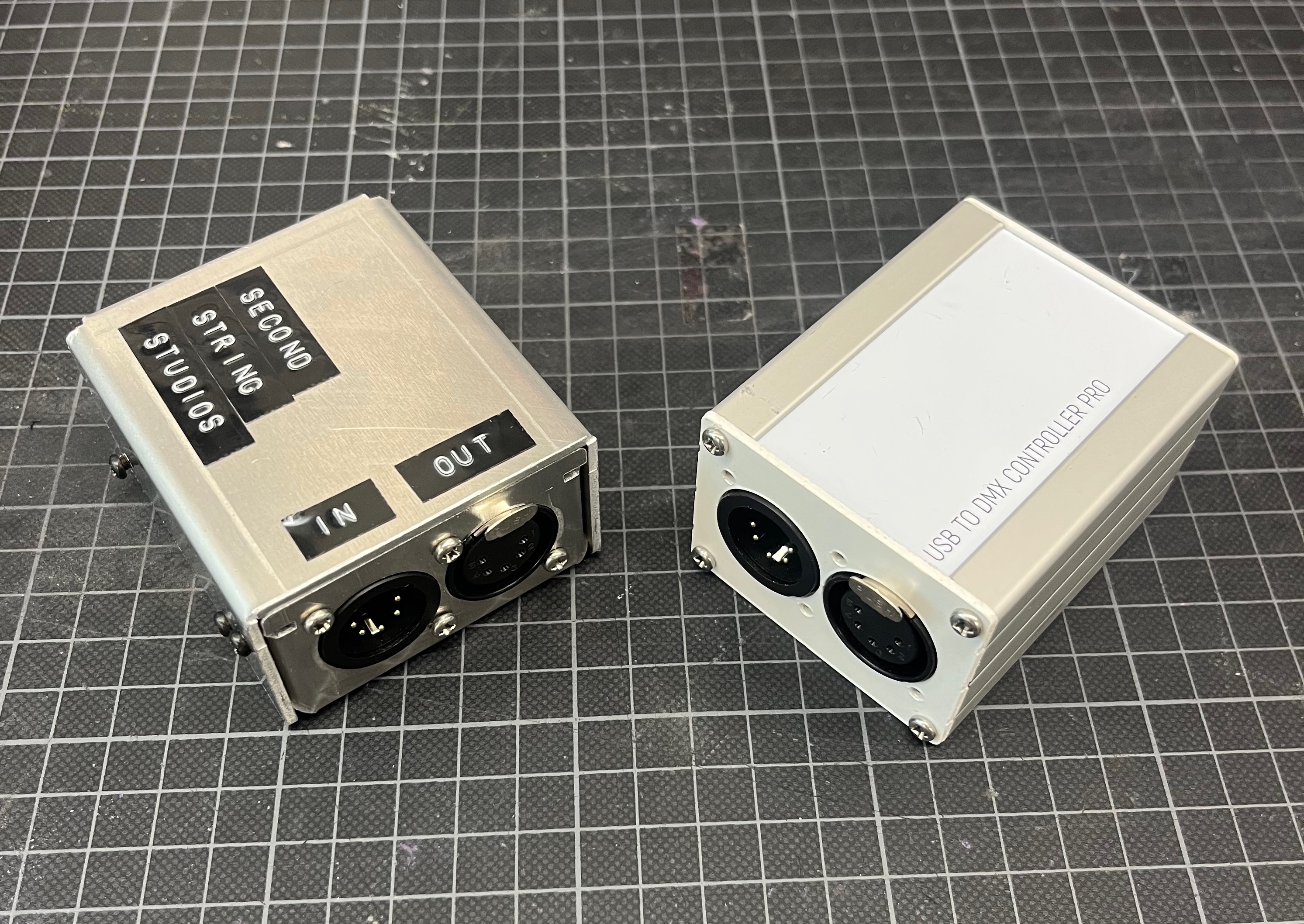
USB DMX Controller
2023 USB controlled DMX input or output controller, galvanically isolated, multi-modeThe USB DMX Controller builds upon one of the most popular devices used in the industry for running small shows directly from a PC. It supports a single universe of DMX output or input, with male and female plugs to easily support both cabling configurations.
It supports four separate modes when used as an output device. The first two, Cadence and Sync, are standard data output modes. Cadence buffers the data on-device and repeats it to the DMX universe at a specific framerate to remove dependency on the control software framerate. Sync mode outputs a new frame of data as soon as it is received from the show PC, allowing for tighter framerate control for more custom installations. The controller can also be used as a standalone device through the remaining two modes, Test and Static. Test mode outputs a user-chosen test pattern from a list of standard patterns like All On, RGB cycle, and more. For more customization, Static mode allows the user to set every channel of a full universe which will be stored on the device and continuously output while it is powered.
The two available input modes are Cadence and Sync. Similar to their output counterparts, they control how the incoming DMX universe is fed into the connected controller.
All device configuration can be done through a web browser with the device attached and is stored on-device between power cycles. There is a recessed button on the front of the control to allow for quick switching modes or resetting all configuration back to default.
Power and data are transferred over the USB-C input connection and are galvanically isolated from the XLR connectors to support long DMX runs with different ground potential. There is transient voltage and ESD protection on all input and outputs.
A previous revision of this controller supported a single output universe in a smaller form factor.